AI home design: your whole home, redesigned from a photo
Updated October 3, 2026
AI home design turns a photo of your home into a realistic new version of it: with Renova you snap a room, the front of the house, the garden or the backyard, pick a style, and the same space comes back redesigned with its walls, windows and camera angle kept. One app covers inside and out with 10 tools, and a free account makes 3 designs a day.


How it works
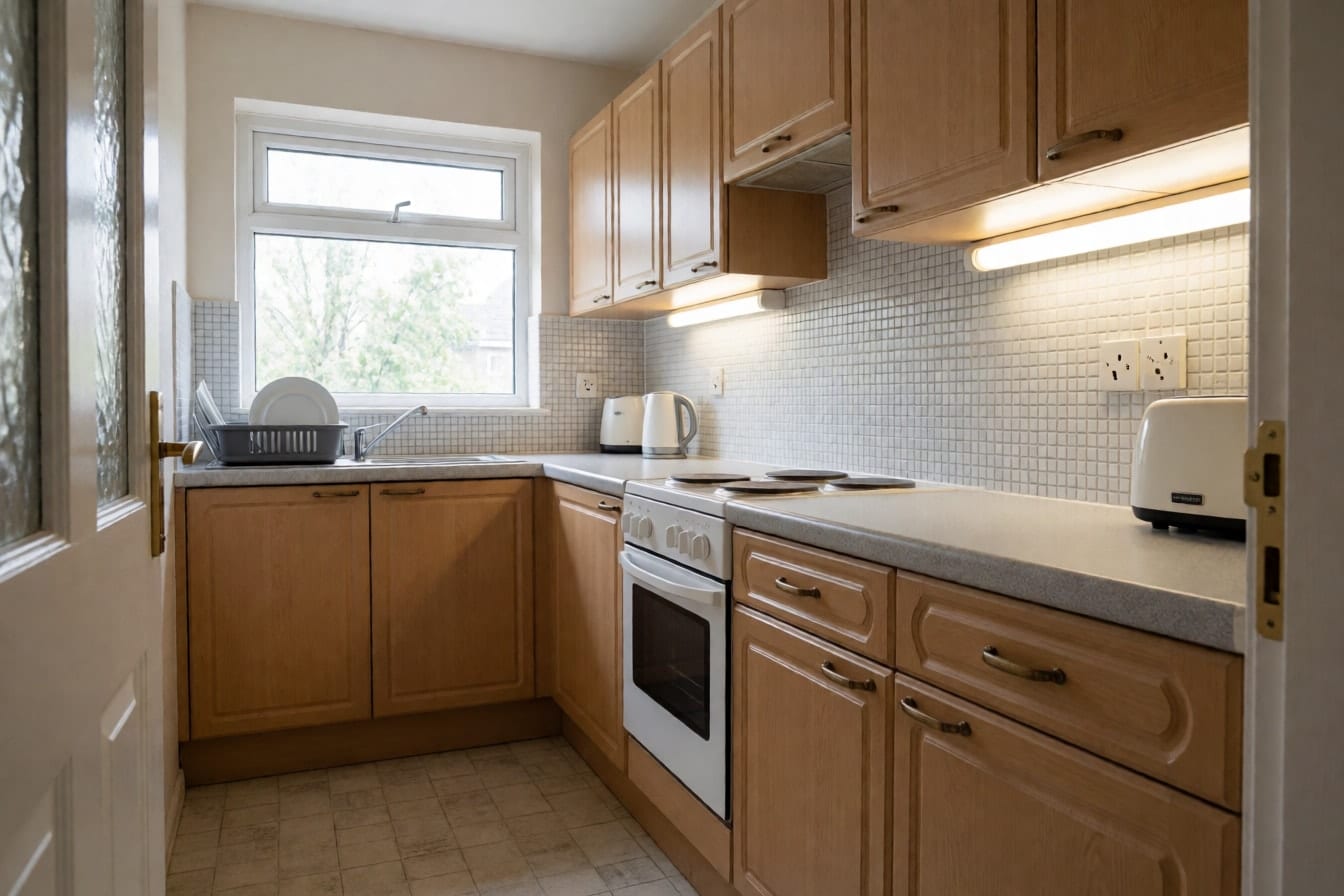
Photograph the space as it is
Shoot in daylight, from a corner of the room or from the back door looking across the garden, with the phone held at chest height and level. Get as much of the space into the frame as you can. There is no need to tidy up first, and an empty room after a move works just as well. Already have a photo? Pick it from your camera roll.
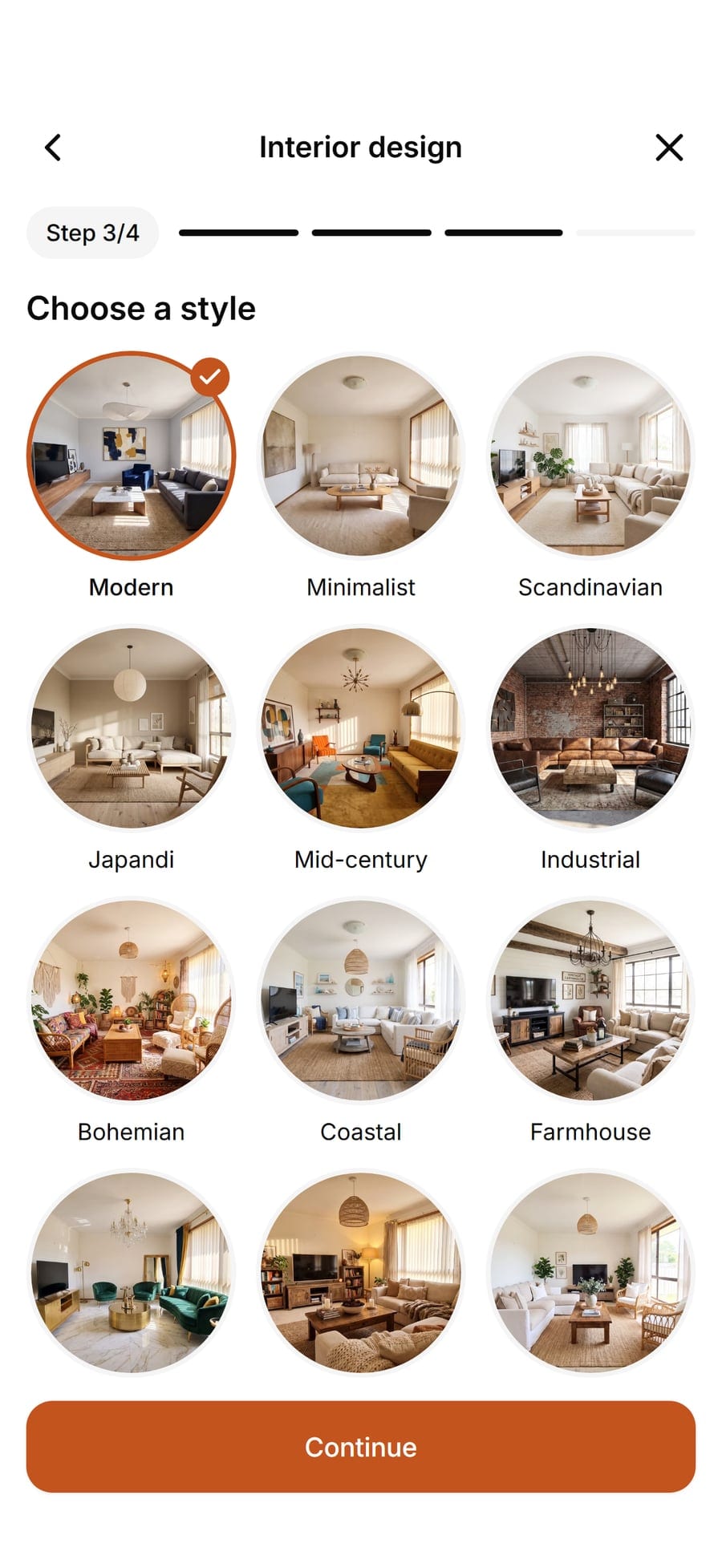
Choose the tool and the style
Interior design restyles a room in one of 30 styles, and its mode sets how far it goes: Refresh keeps your furniture, Renovate keeps the layout, Redesign rethinks the room. Exterior design gives the house a new face (14 styles), Garden design works on the yard (14 styles) and Pool design adds a pool (12 styles). For one job only, there are Furnish empty room, New walls, New floor and Rearrange furniture.
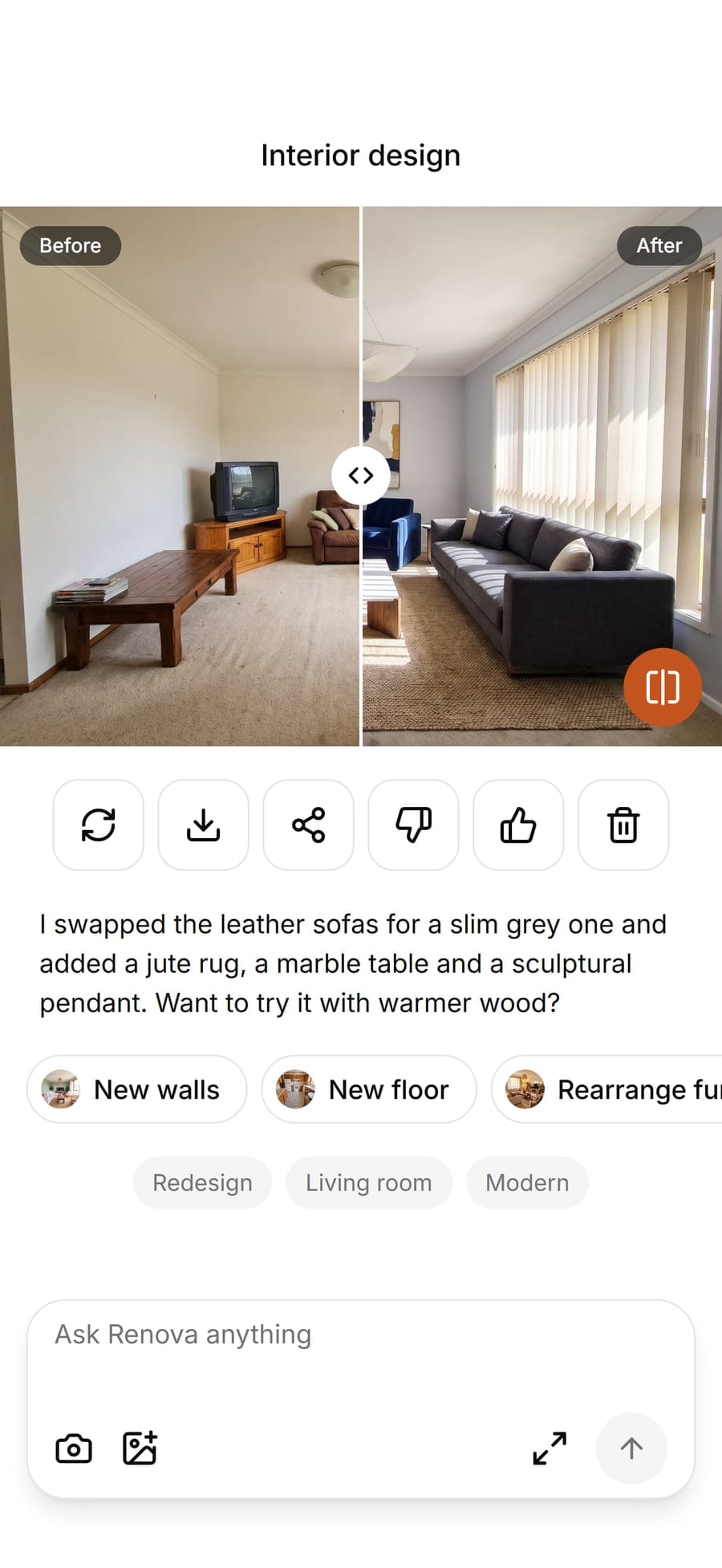
Compare, redo and keep designing
Drag the slider across the picture to flip between your photo and the new design. Not quite right? Press Redo for another version of the same choices. Like it? Carry on from the result with new walls, a different floor or another palette, or save it to your phone and send it to whoever you share the house with.


Examples


Options
Interior design
The main tool for any room, from living room and kitchen to basement or home office. Pick Refresh to keep what you own, Renovate for new finishes on the same layout, or Redesign for a fresh start.
Furnish empty room
Fills a bare room with furniture, rugs and lighting in the style you choose. Made for new builds, moves and the weeks before you shop.
Exterior design
A new facade on your own house: cladding, colors, windows, doors and front planting, from Modern farmhouse to Craftsman or Mediterranean. Free AI home exterior design to try before you repaint or renovate.
Garden design
Turns a lawn into a planned garden, from English cottage and Japanese to Kitchen garden, keeping your fences and the house in place.
Pool design
Shows a pool in your backyard, from Plunge pool and Lap pool to Infinity or Natural, with decking and planting around it.
New walls
Changes only the walls: paint colors such as Sage green or Deep green, Limewash, Panel molding, Wood slats or Zellige.
New floor
Changes only the floor: Light oak, Herringbone, Terrazzo, Travertine, Carpet and more, with furniture and walls left alone.
Floor plan to 3D
Turns a floor plan into a furnished 3D-style view in the style you pick, for a first feel of a home that is not built or bought yet.
Limits
A free account makes 3 designs a day with every tool, and free designs carry a watermark. Pro raises that to 50 designs a day without the watermark and adds a design assistant you can chat with, up to 100 messages a day. Both plans need you to sign in, which keeps your photos private and your designs saved on every device.
What it does not do
AI home design works from one photo, so it only knows what the camera saw. What you get is a realistic picture to decide with, not a drawing: Renova does not measure, draw floor plans to scale, list materials or sell furniture, and sizes in every design, including the pool and the 3D view from a floor plan, are an impression rather than a measurement. For building, extending or ordering to size, classic home design software with 3D modeling and plans to scale is still the better tool, and an architect or builder has the final word. Many people use both: AI to choose the look in minutes, then a program or a professional to make it real.
Questions and answers
Something else? Write to support@renovaroom.com.
Is there a free AI home design app?
Can AI design the outside of my house and my garden?
Will it keep my furniture?
Does it work on my phone and on the web?
How accurate is AI home design?
Can I use it to plan a build or an extension?

AI room design: your own room, redesigned from one photo
Snap a photo of your room and see it redesigned by AI in one of 30 styles, with your walls and windows kept. On iPhone, Android and the web.Made with AI
A free room designer that starts from your photo
Snap a photo and see your room in one of 30 styles. A free online room designer for iPhone, Android and the web, no CAD needed.