Free AI room design from a photo of your own room
Updated October 1, 2026
Renova does AI room design free from a photo: snap your room, choose a style and how much to change, and get the same room redesigned in seconds. The free plan gives you 3 designs a day on iPhone, Android and the web.


How it works
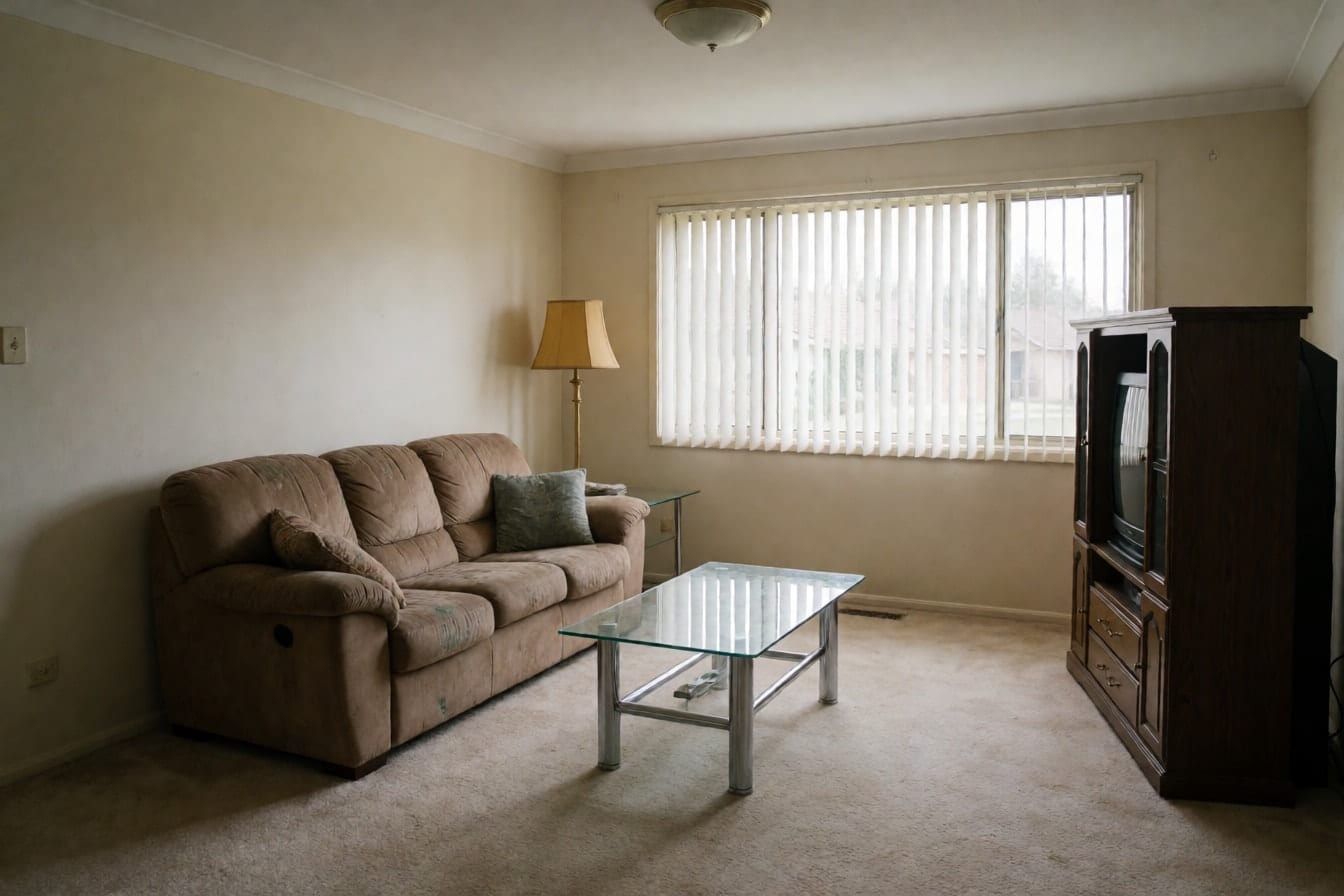
Take one photo of the room
Stand in a corner at normal height, hold your phone level and fit the whole room in the frame. Daylight with the lights on gives the cleanest result; skip filters and keep people out of the shot. A photo from your camera roll works too, or start with one of the demo rooms. You create a free account in the app before your first design.
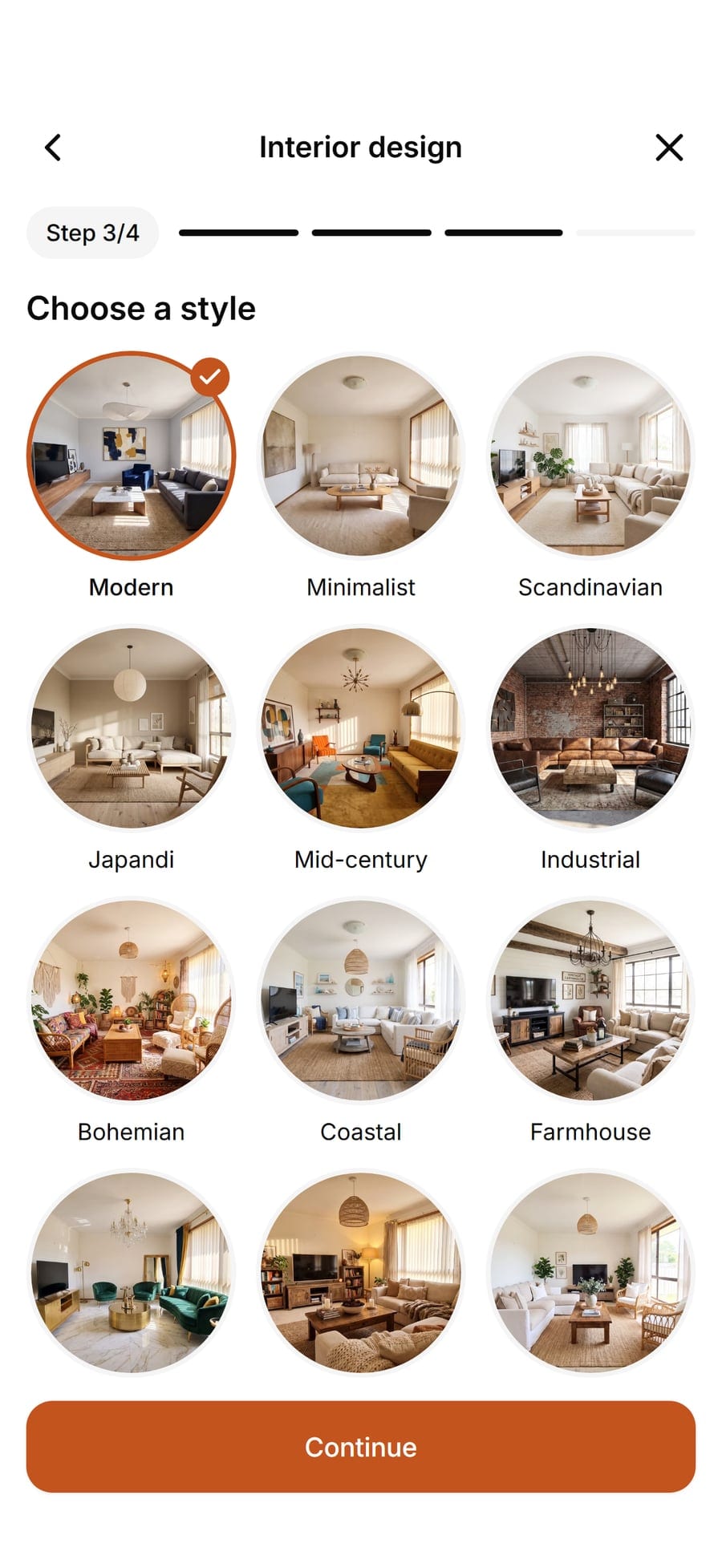
Pick the room, a style and how much to change
Tell Renova which room it is, then choose one of 30 styles. Refresh keeps your furniture and swaps the decor, Renovate brings new pieces in the same places, and Redesign is free to change everything. Add a color palette if you have one in mind, or leave it out.
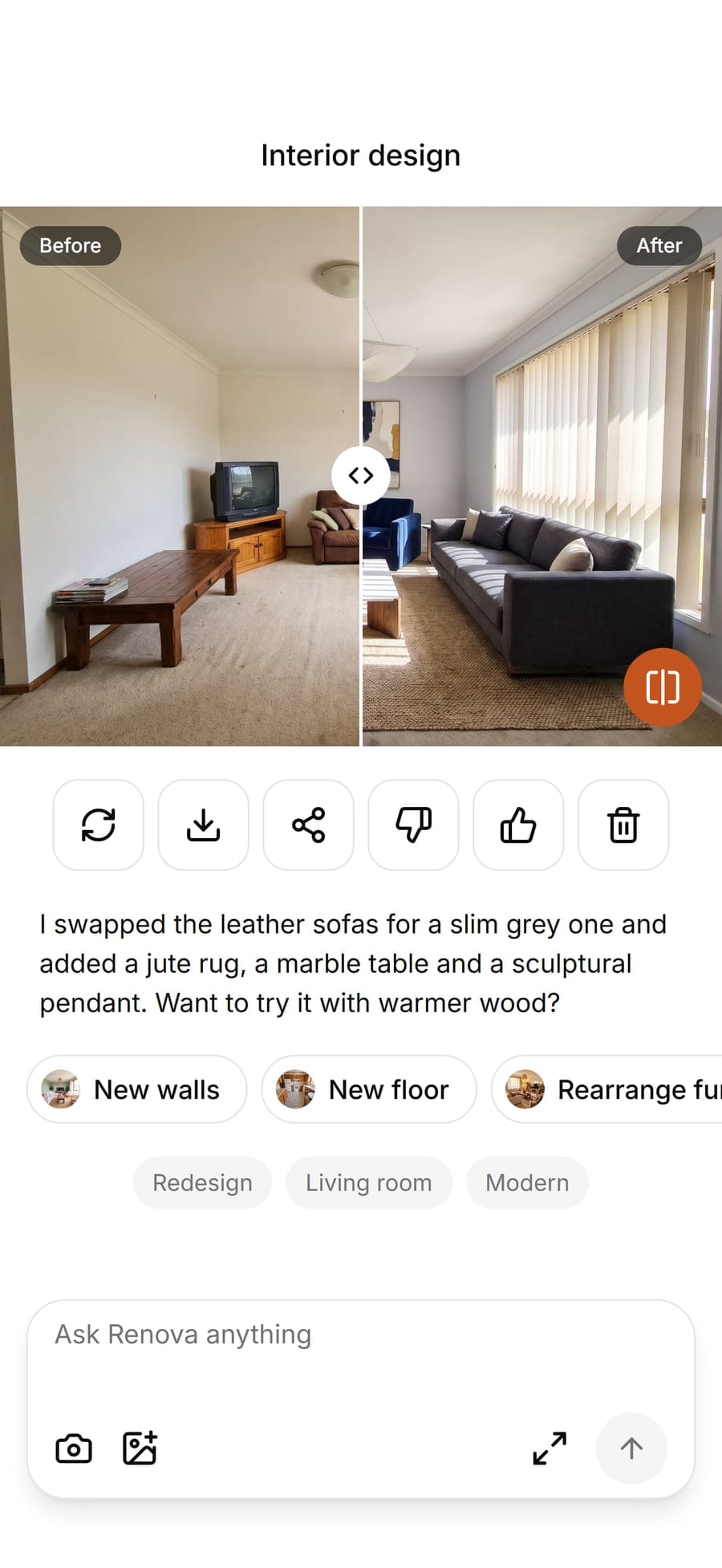
Compare, save and keep designing
Drag the slider to compare before and after, then save the image or send it to whoever shares the room with you. A short note explains what changed and suggests a next move, and one tap carries the design on with new walls, a new floor or another style. Free designs carry a small watermark.


Examples


Options

Interior design
The main tool: restyle any room in one of 30 styles, such as Modern, Coastal, Japandi, Mid-century or Farmhouse. Pick it when you want to see the whole room in a new look.
Furnish empty room
Fills a bare room with furniture and decor in the style you choose. Handy before moving in, or when a newly built home still echoes.
New walls
Tries paint colors and finishes like Sage green, Limewash, Wood slats or Exposed brick on your own walls, before you buy a single can of paint. New floor does the same for the floor: Light oak, Herringbone, Terrazzo, tiles and more.

Rearrange furniture
Keeps the furniture you own and finds it a better layout. Choose a goal such as More open space, More light or Work corner.
Limits
The free plan makes 3 designs a day with every room, every style and every tool, on iPhone, Android and in your browser. Free designs carry a small watermark. Pro raises that to 50 designs a day without the watermark. If you want to weigh other options before you decide, our honest comparison of AI design sites says where each one does better.
What it does not do
Renova shows ideas, not building plans. It does not measure your room, check whether a sofa fits or tell you where to buy what it shows, and small details such as outlets or trim can shift between before and after. It works from one photo, so it redesigns that view of the room, not a 3D model of the whole space.
Questions and answers
Something else? Write to support@renovaroom.com.
Is Renova really free?
Can I use a photo of my own room?
Does it work online in a browser?
Will it keep my room's layout?
Which rooms can I design for free?

AI room design: your own room, redesigned from one photo
Snap a photo of your room and see it redesigned by AI in one of 30 styles, with your walls and windows kept. On iPhone, Android and the web.Made with AI