A free room designer that starts from your photo
Updated October 1, 2026
Renova is a free AI room designer: take a photo of your room, pick a style and how much to change, and get the same room redesigned in seconds, with no floor plan, measurements or dragging furniture around. The free plan makes 3 designs a day on iPhone, Android and the web.


How it works
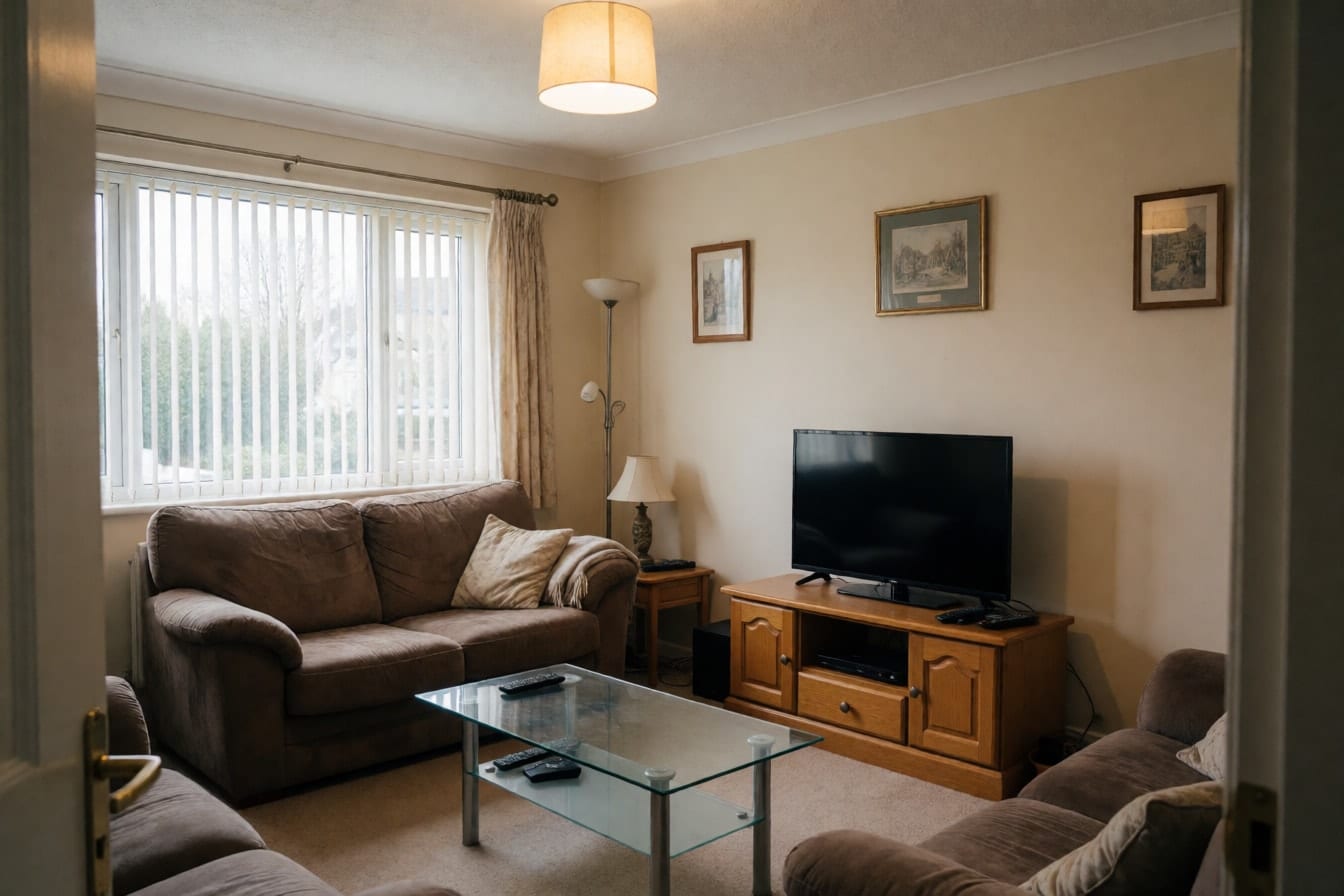
Take a photo of the room as it is
Stand in the doorway or a corner and get the whole room in the frame, ideally in daylight with the lights on. Mess and old furniture are fine; that is the point. Empty rooms and printed floor plans have tools of their own, Furnish empty room and Floor plan to 3D. You never type in measurements or draw walls.
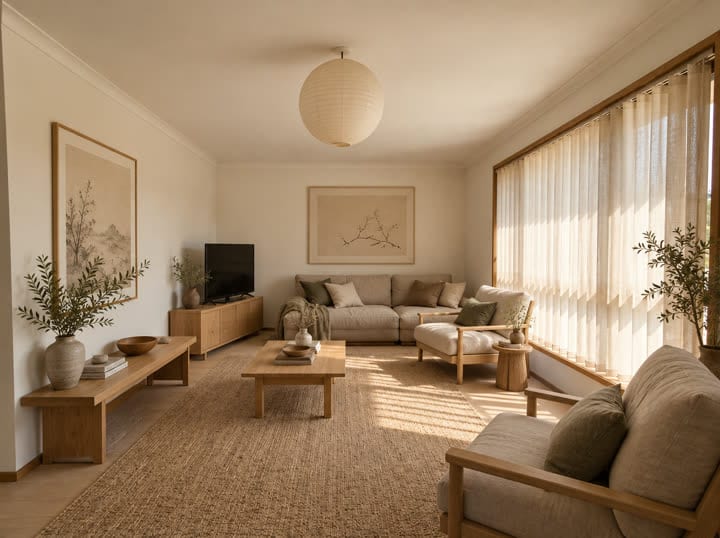
Pick the room, a style and how much to change
Tell the app which room it is, from a living room or bedroom to a home office or studio apartment, then choose one of 30 interior styles. Last, decide how far to go: Refresh, Renovate or Redesign. A color palette is optional if you already have colors in mind.
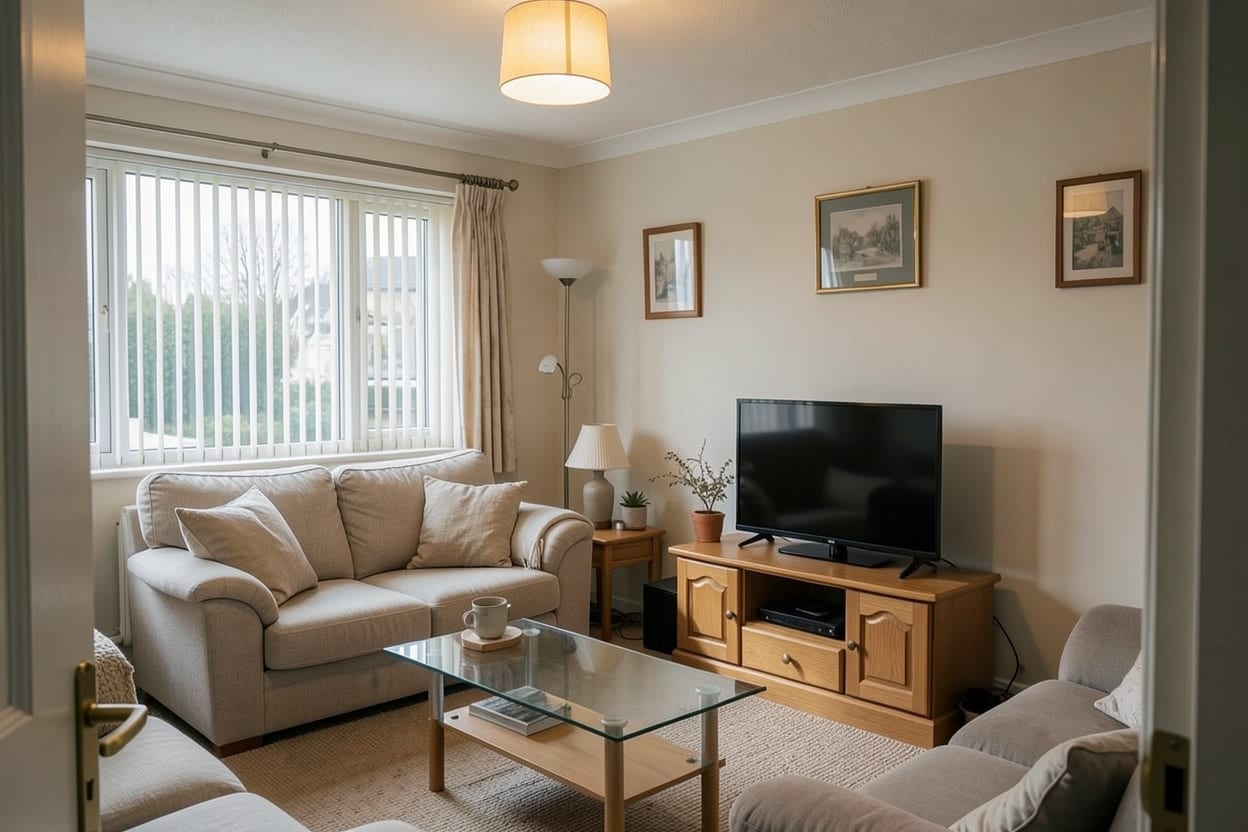
Compare, save and keep designing
Drag the slider to flip between before and after, then save the design or share it with whoever you live with. Not quite right? Try another style on the same photo, or carry on with new walls, a new floor or a fresh furniture layout.

Examples


Options
Renovate
Follows your room's current layout closely: the furniture stays roughly where it is, while materials, colors and decor change. Pick it when the layout already works and the look does not.
Refresh
The lightest touch. It keeps your furniture and floor and changes the decor: textiles, art, lamps, plants and the wall color. Good for renters, or for seeing what a weekend of new pillows and paint could do.
Redesign
The most freedom: new furniture and a new arrangement inside the same walls and windows. This is the one to use as a bedroom designer when you are starting over.
Furnish empty room
For bare rooms, new builds and move-in day. It adds furniture, rugs, lighting and plants in the style you pick, so you can see the room lived in before you buy a thing.
Rearrange furniture
A room layout planner that works with your own pieces. Choose a goal such as Cozy conversation, More light, Work corner or Better flow, and it moves what you already own into a better arrangement.
Floor plan to 3D
Upload a drawn floor plan and get a furnished home seen from above, in the style you choose. Handy when you are buying off-plan or comparing apartments.
Limits
The free plan makes 3 designs a day with every tool and all 30 interior styles, and free designs carry a small watermark. Pro raises that to 50 designs a day with no watermark and adds the design assistant, a chat that makes designs from what you describe, with up to 100 messages a day. One account works on your phone and in the browser.
What it does not do
Renova is a photo room designer, not a measured room planner. It does not take dimensions, draw a to-scale 2D plan you can drag furniture around, build a 3D walkthrough or give you a shopping list. Sizes and colors in a design are an impression, so measure your space before you order a sofa or a gallon of paint. If you need exact clearances or plans for a contractor, use a dedicated layout planner or a designer, and use Renova to decide on the look first. A dark or blurry photo can come back with details changed; retake it or press Redo for another version.
Questions and answers
Something else? Write to support@renovaroom.com.
Is this room designer really free?
Do I need to sign up?
Does it work online in the browser and on my phone?
Can I plan a bedroom layout with it?
Can I keep my own furniture?
How does it compare with other room design websites?

AI room design: your own room, redesigned from one photo
Snap a photo of your room and see it redesigned by AI in one of 30 styles, with your walls and windows kept. On iPhone, Android and the web.Made with AI