AI room design: your own room, redesigned from one photo
Updated October 1, 2026
AI room design turns a photo of your room into a new look: with Renova you snap the room, choose what kind of room it is, one of 30 styles and how much should change, and the same room comes back redesigned with its walls, windows and camera angle in place. It runs on iPhone, Android and the web, and a free account makes 3 designs a day.


How it works
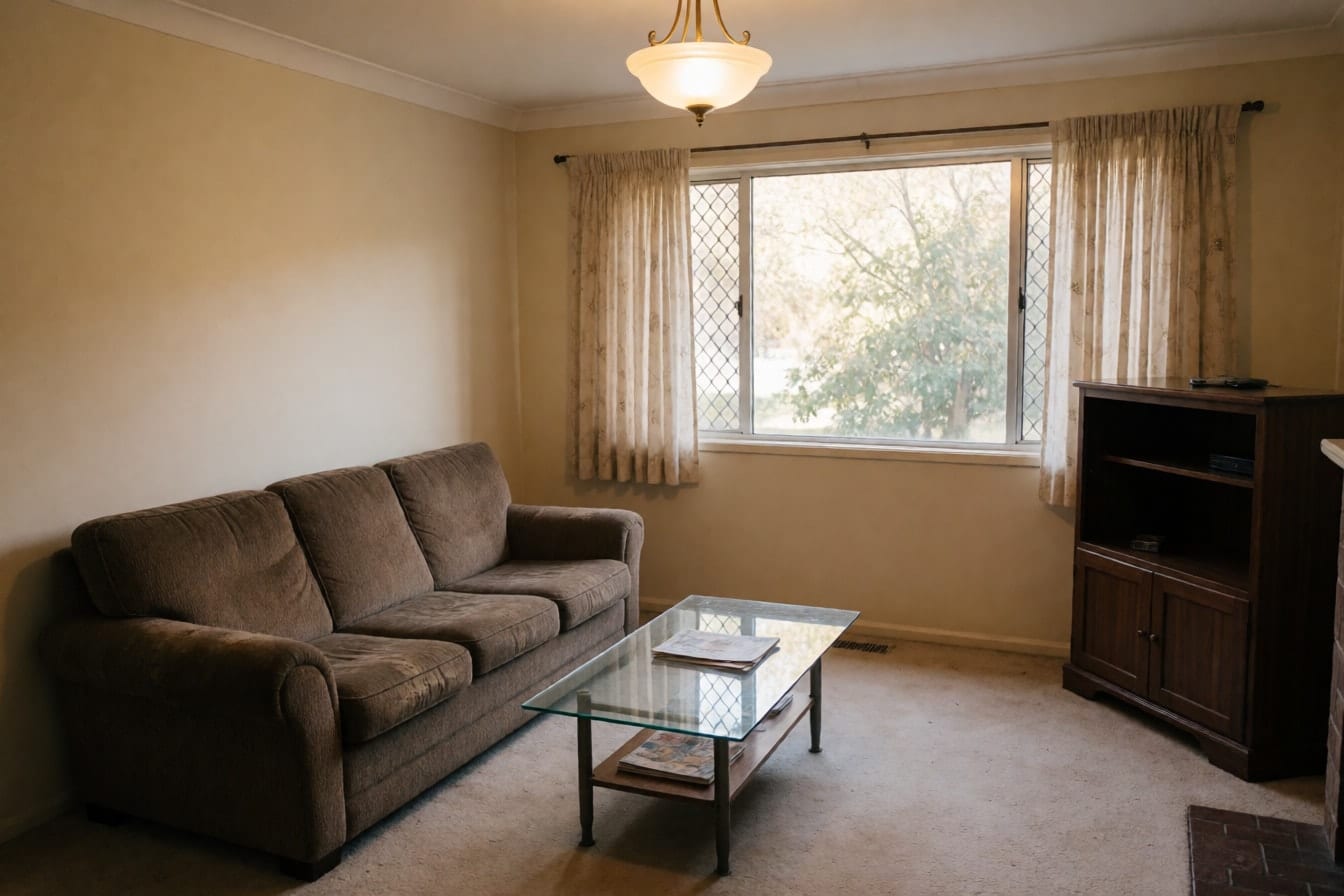
Photograph the room as it is
Shoot from a corner or the doorway so most of the room is in the frame, with your phone upright and level. Open the blinds, turn the lights on and keep people and pets out of the shot; skip filters and portrait mode. No good photo yet? Pick one from your camera roll, or start with one of the demo rooms to see how it works.
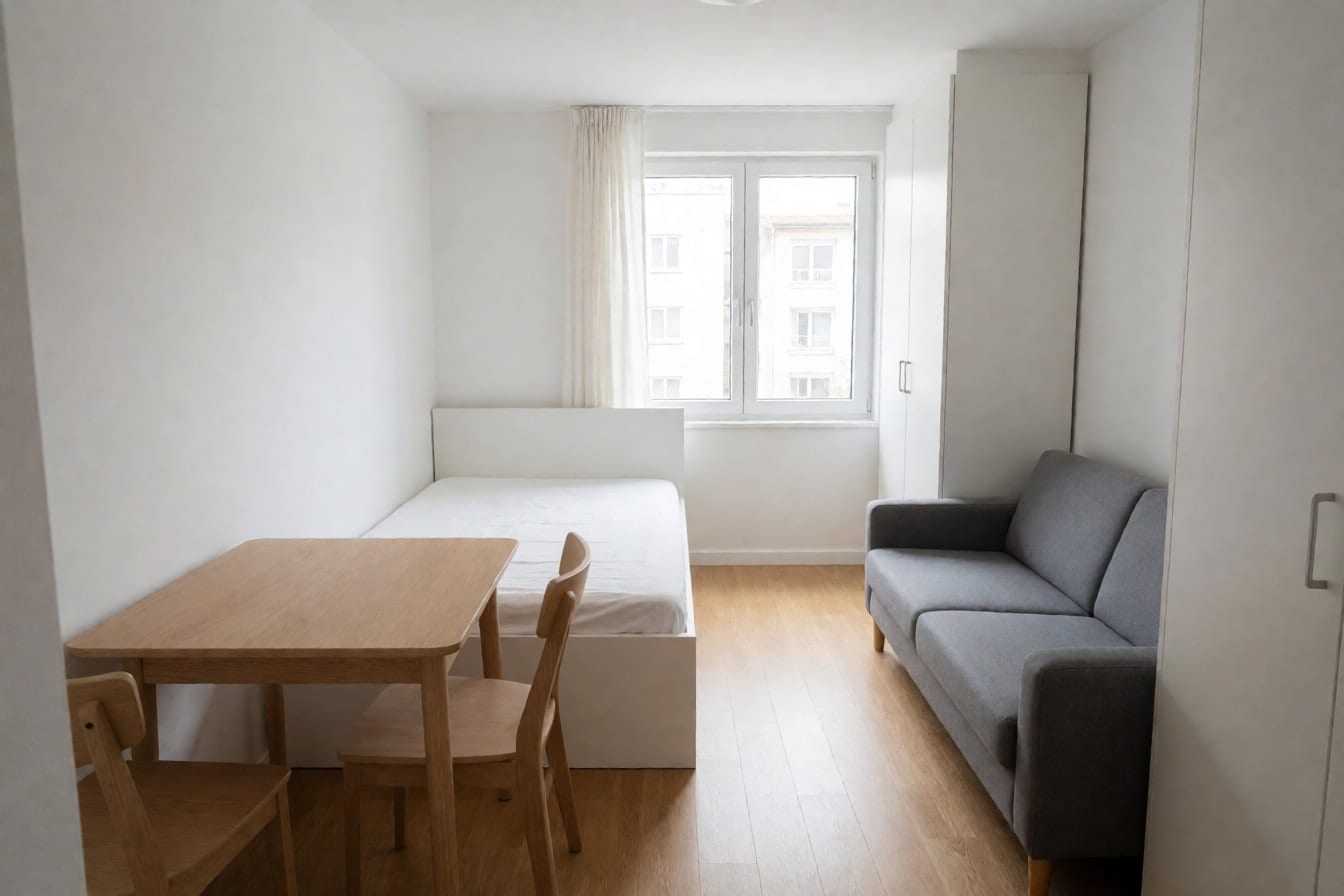
Pick the room, a style and how much to change
Tell the app what the room is, from living room and bedroom to home office, nursery or basement, then pick a style, anything from Minimalist to Dark academia. The mode decides how far the AI goes: Refresh keeps your furniture and changes the decor, Renovate follows your current layout closely, and Redesign takes more freedom. A color palette is optional, for when you already know your colors.
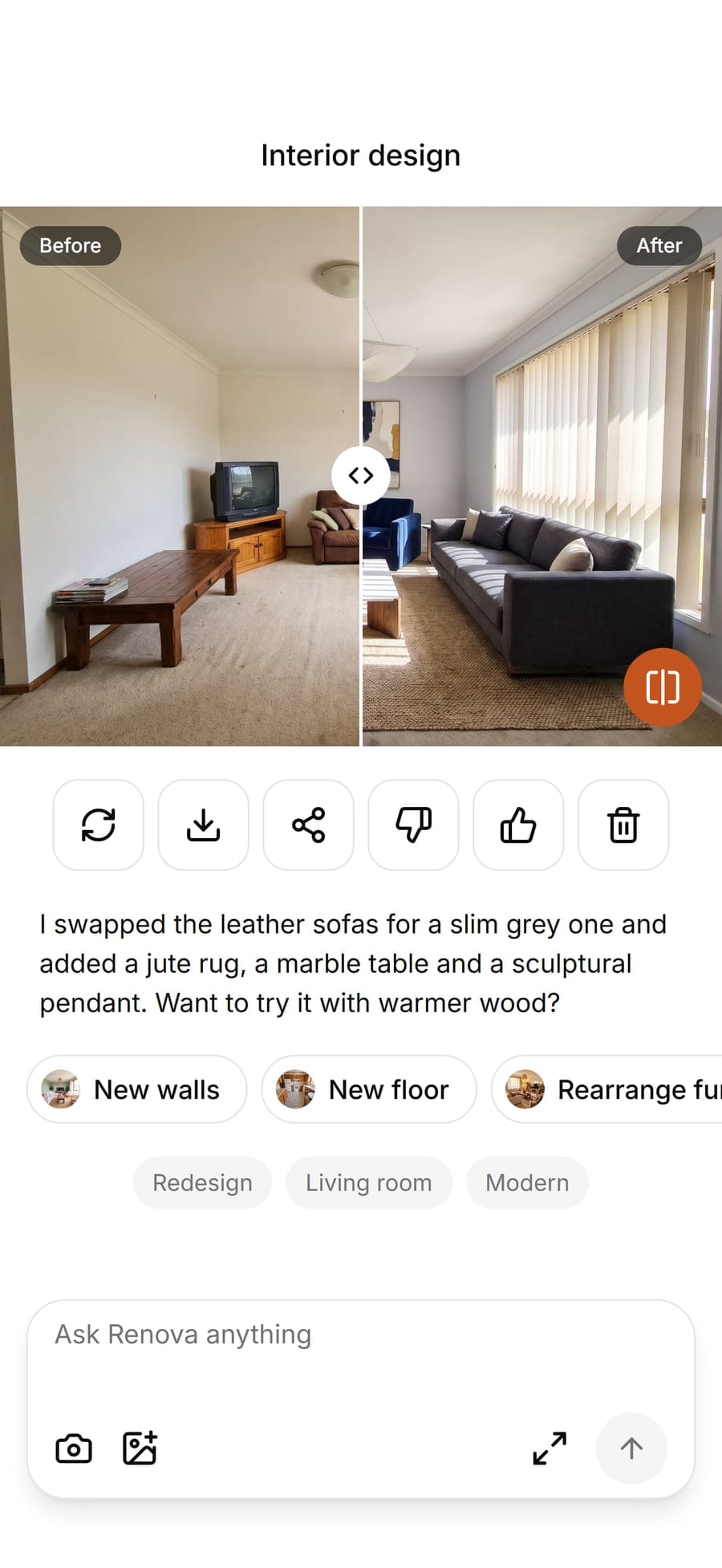
Compare, save and keep designing
Drag the slider across the picture to flip between your photo and the new design. Save it to your phone or share it, and read the short note underneath: what changed, plus one idea to try next. From there, carry the same room on with another tool, such as new walls, a new floor or a rearranged layout, or press Redo for another take on the same choices.


Examples


Options
Refresh
Keeps your furniture and changes everything around it: textiles, lighting, wall color and accessories. Pick it when you like what you own but the room feels flat.
Renovate
Follows the layout you have, with new furniture and finishes in the same spots. The closest to a makeover you could actually carry out.
Redesign
Gives the AI more room to rethink the furniture and the look. Use it for bold ideas or when you are starting over.

Quiet luxury
Boucle, travertine, wool and limewash in soft greige: expensive-looking without a single logo or ornament.

Bohemian
Layered rugs, rattan, macrame and trailing plants, for a relaxed room full of texture.

Dark academia
Deep green shelves, leather and brass lamps, made for a reading nook or a study.

Industrial
Exposed brick, black steel and cognac leather, the look of a converted loft.
Warm whites
One of the optional palettes: creamy, soft whites that brighten a small or north-facing room without feeling cold.
Limits
A free account makes 3 designs a day with every tool and all 30 interior styles, and free designs carry a watermark. Pro raises that to 50 designs a day with no watermark and adds a design assistant you can chat with. Both plans need you to sign in, which keeps your designs saved and private, and there again on whichever device you sign in on.
What it does not do
Each design starts from one photo of one room, so the AI only knows what the camera saw. The result is a picture to decide with, not a plan: Renova does not measure your space, draw to scale, write a shopping list or order furniture. Proportions and colors are close rather than exact, so measure and try paint samples before you buy. A dark or cluttered photo can change details you meant to keep; retake it in better light or press Redo.
Questions and answers
Something else? Write to support@renovaroom.com.