Virtual staging AI for empty rooms and tired rentals
Updated October 5, 2026
Renova is a virtual staging AI app: upload one photo of a vacant room, choose the room type and one of 30 styles, and the Furnish empty room tool places furniture, rugs, lamps and art at the right scale while walls, windows and floor stay as photographed. It runs in the browser, on iPhone and on Android, with 3 designs a day free.


How it works
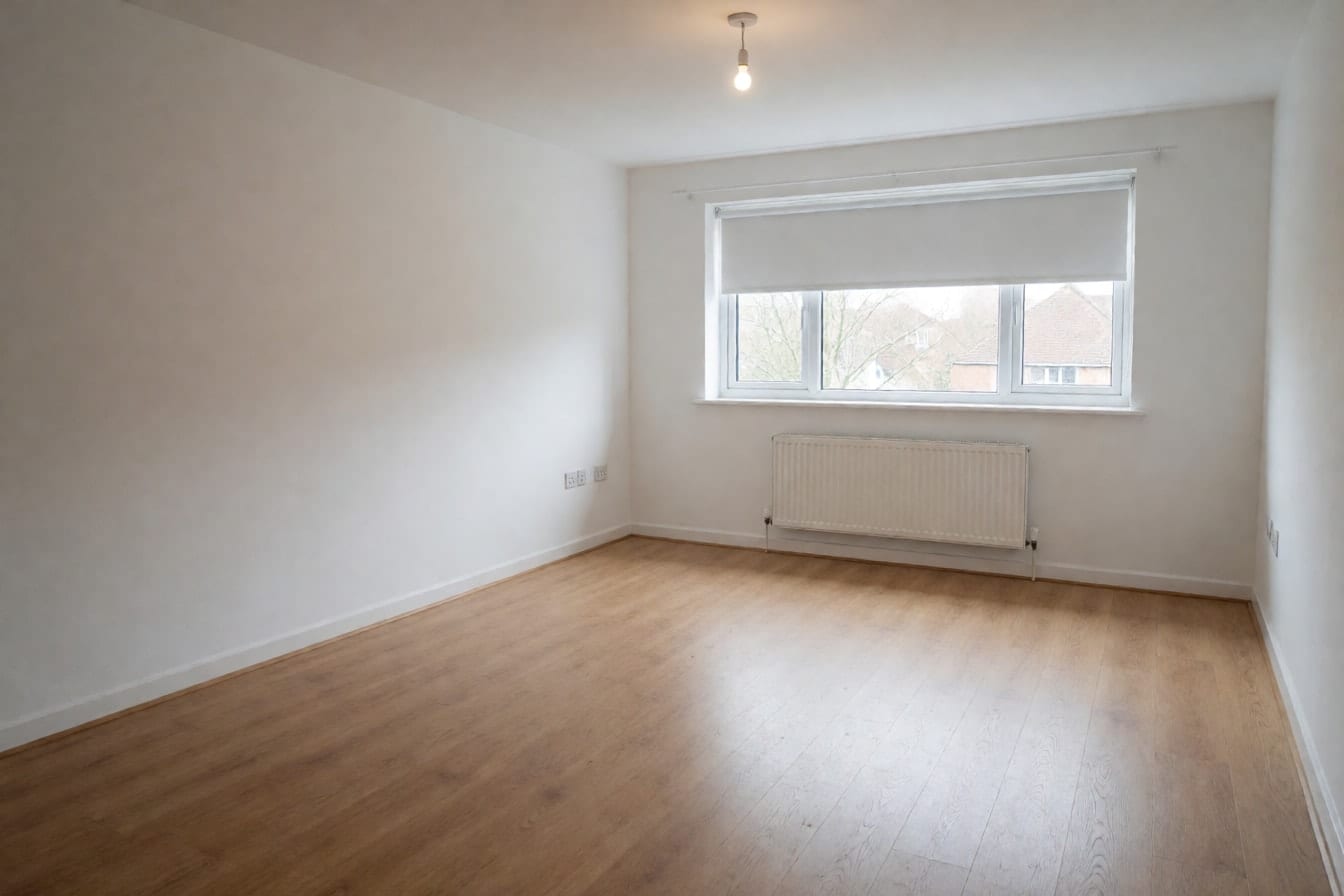
Shoot the vacant room straight and bright
One listing photo per room is enough: no 3D model, no floor plan, no prompt. Open the blinds, switch every light on and shoot from a corner at chest height, phone level, so two walls and the whole floor show. A sharp, straight shot gets furniture at a believable size.
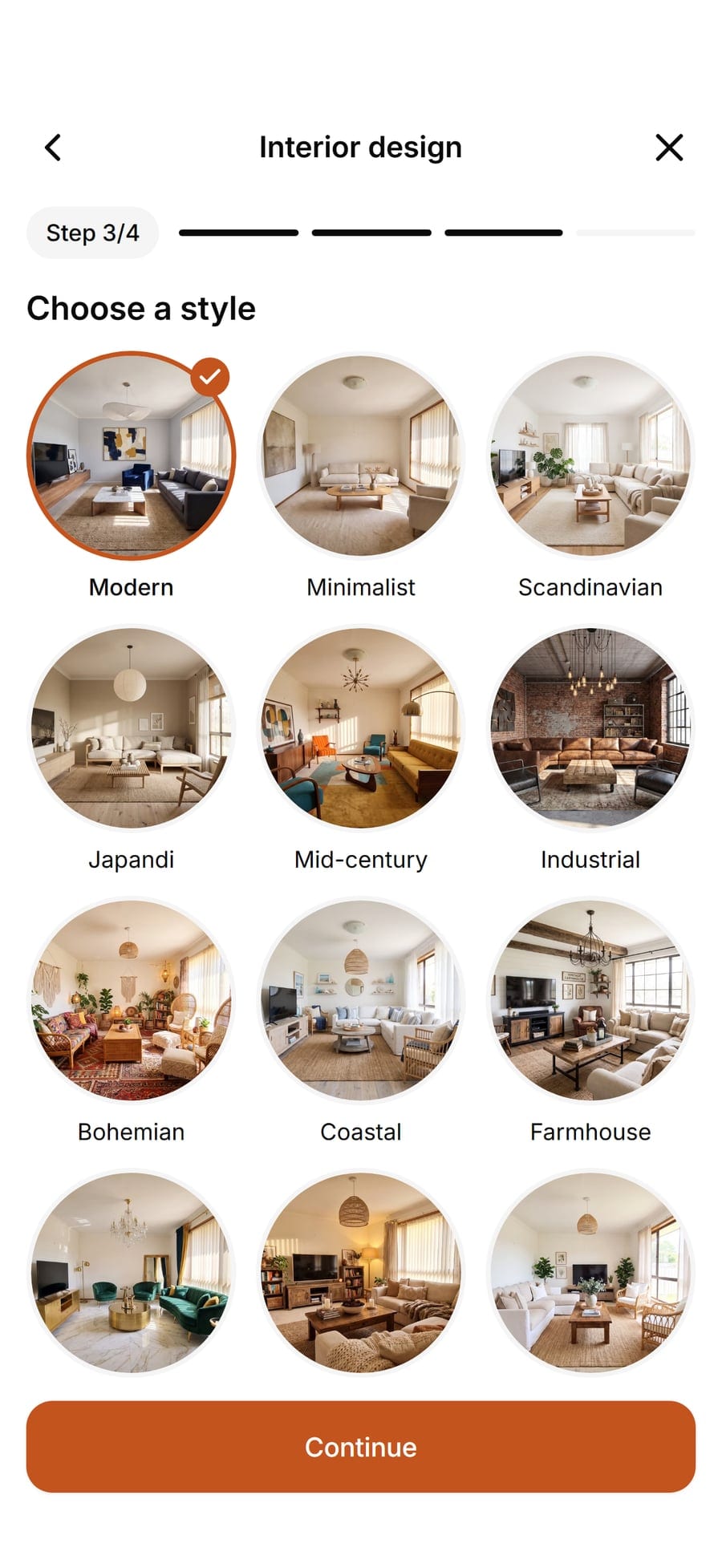
Choose the room and a style buyers relate to
Furnish empty room asks which room it is (living room, bedroom, dining room, home office, studio and more) and which style. For homes for sale, calm looks such as Modern, Scandinavian or Quiet luxury let people picture their own things; for a short-term rental, try Airbnb.
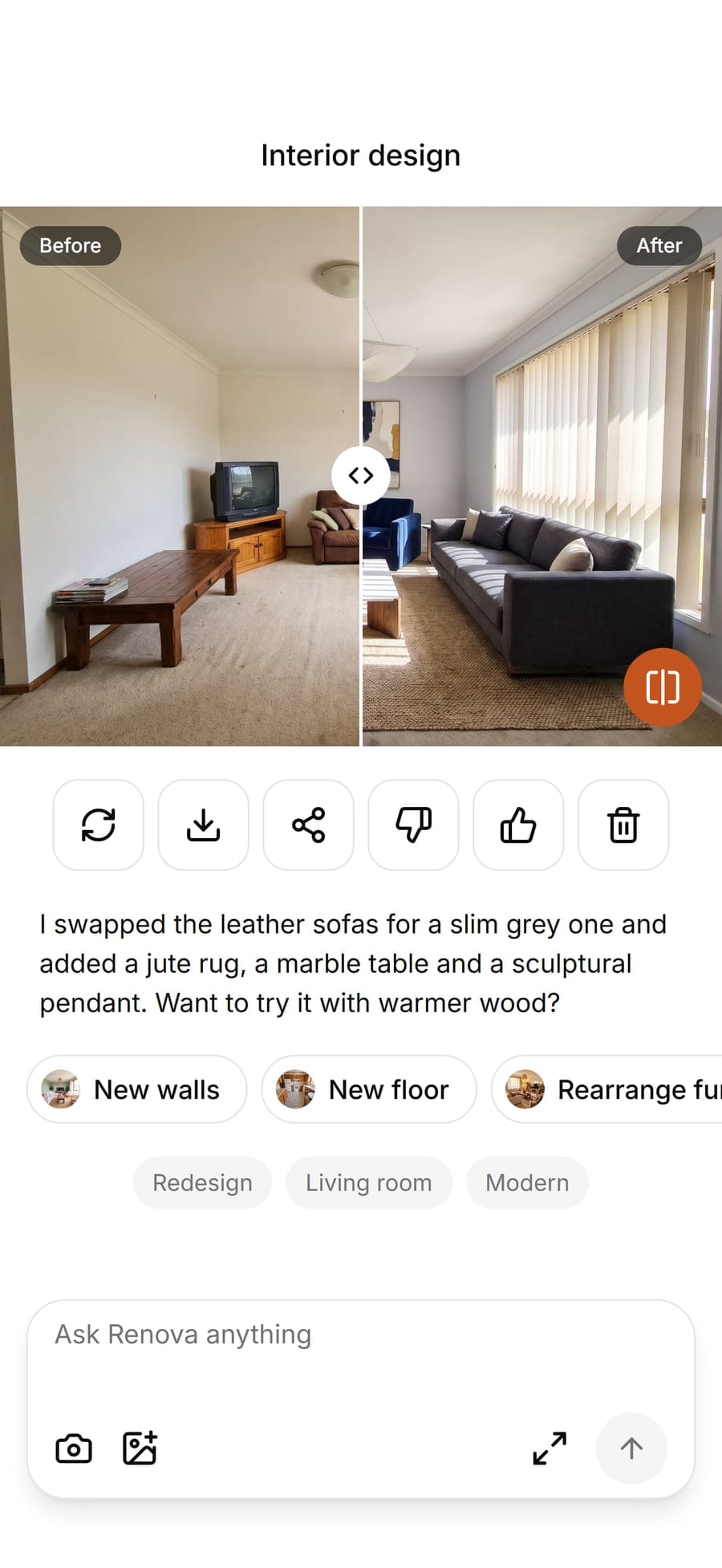
Slide, try a second look, save for the listing
Drag the slider between empty and staged, try another style on the same photo if needed, then save the version that suits the listing. Keep one style across every room of a property so the photos read as one home.


Examples


Options
Furnish empty room
The staging tool proper: give it a vacant room, the room type and a style, and it furnishes and decorates the space. Pick it for empty listings, new builds and rentals between tenants.
Interior design
For rooms still holding the seller's or last tenant's things: Refresh swaps textiles and decor, Renovate puts new furniture in the same places, Redesign changes everything. It restyles what is there; it cannot empty a room. More in our guide to AI decorating apps.

Scandinavian
Pale wood, soft whites and simple shapes. A safe choice for sale listings because it makes rooms look larger and lighter without strong taste.

Airbnb
Bright, durable, photo-friendly furnishing with a welcoming feel. Made for short-term rental hosts and property managers refreshing a listing between guests.
New walls, New floor and Exterior design
Sometimes a listing needs paint more than furniture. New walls and New floor change only that surface and keep the rest of the photo; Exterior design shows the house front in 14 styles as an idea of what it could become.
Limits
The free plan gives 3 designs a day with a small watermark, enough to test a few rooms. Pro raises that to 50 designs a day without the watermark, enough for a whole listing and alternate styles. See the free online room designer for more on the free plan.
What it does not do
Renova is an AI design app, not a real estate staging service: no human editors, no batch upload of a full listing, no clearing furniture out of an occupied room. It keeps the room's shape, so it will not hide damp, cracks or a small room's real size, and should not be used to. Many portals and MLS rules expect virtually staged photos to be labelled: mark them, keep the original empty photo in the listing and check your local rules. Physical staging still wins at the viewing itself. Every picture on this page is AI-made.
Questions and answers
Something else? Write to support@renovaroom.com.
Is there free virtual staging AI?
Is there a virtual staging AI app for my phone?
Can it stage a room that still has furniture in it?
Do I have to say a listing photo is virtually staged?
How many rooms can I stage in a day?
Will the AI move walls or change the windows?

AI room design: your own room, redesigned from one photo
Snap a photo of your room and see it redesigned by AI in one of 30 styles, with your walls and windows kept. On iPhone, Android and the web.Made with AI
A free room designer that starts from your photo
Snap a photo and see your room in one of 30 styles. A free online room designer for iPhone, Android and the web, no CAD needed.